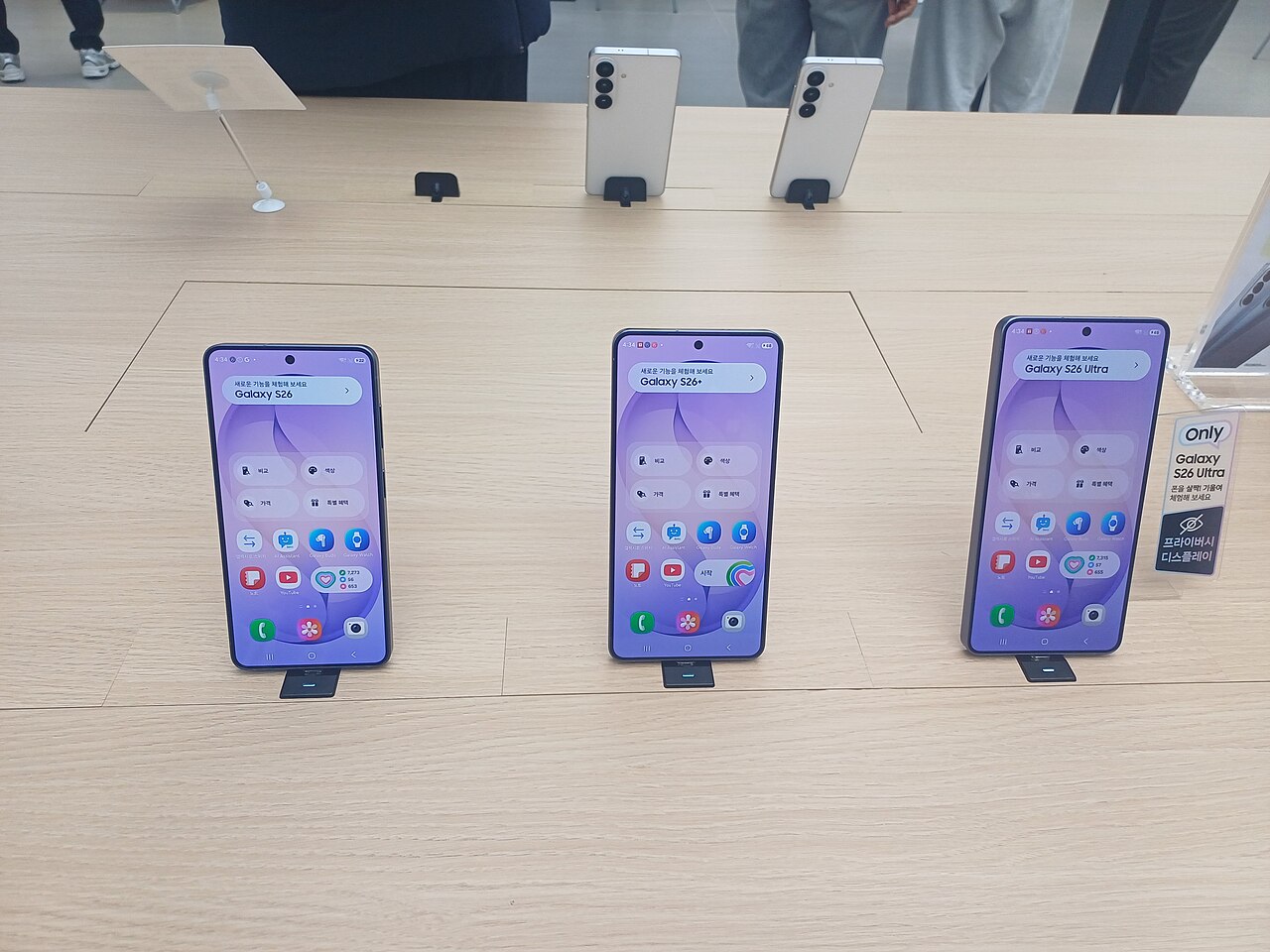

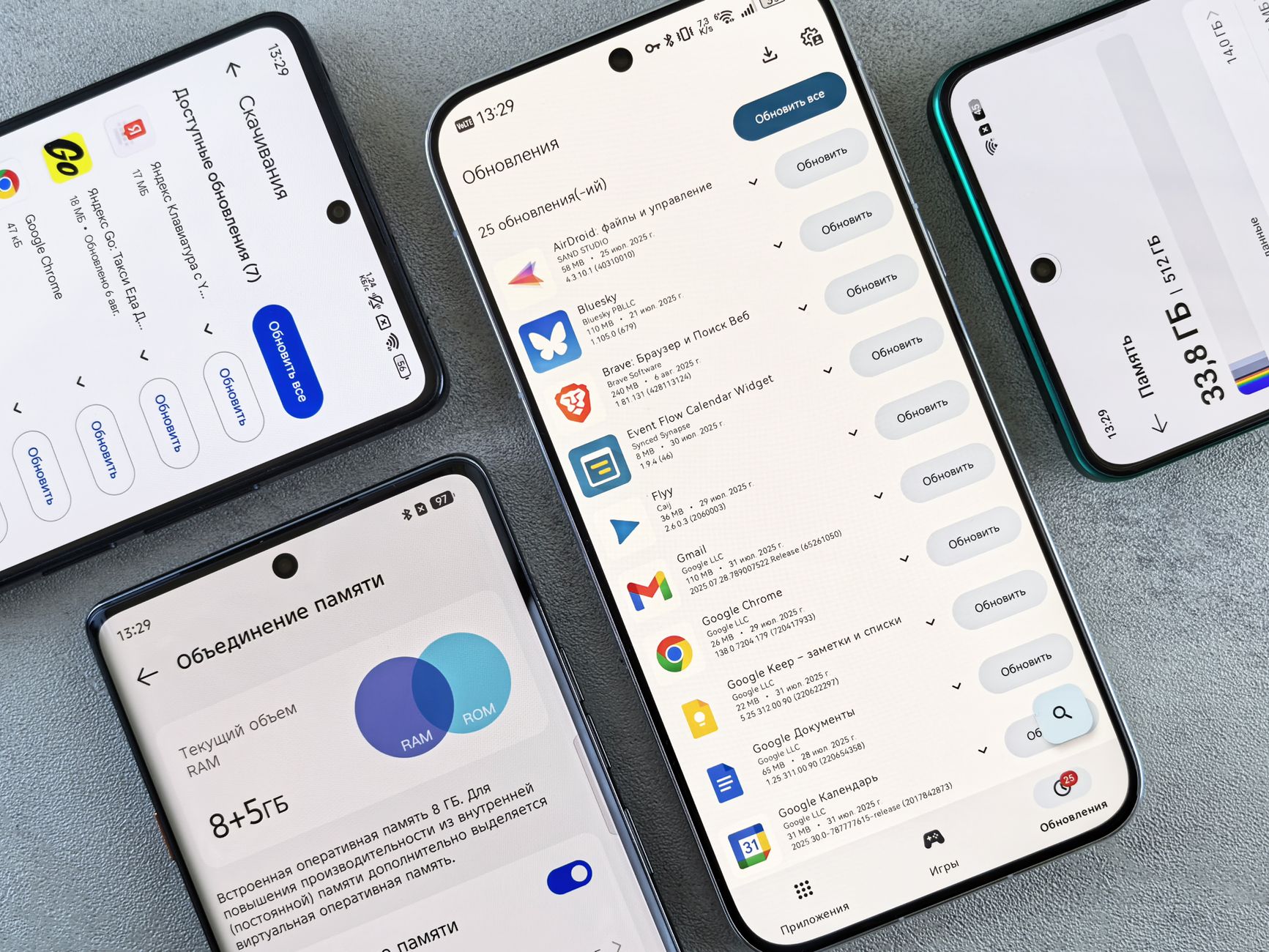
The ColorOS 17 update is now available for OPPO Reno 15 users in India, bringing a host of new features and improvements. This update promises to enhance user experience significantly.
What’s New in ColorOS 17?
The ColorOS 17 update brings a host of new features and enhancements for users of the OPPO Reno 15 series. This update aims to improve user experience significantly, making it one of the most anticipated upgrades for the device. Here’s what you can expect:
- Enhanced User Interface: The update introduces a refreshed design with smoother animations and a more intuitive layout, making navigation easier than ever.
- Improved Performance: With the ColorOS 17 update, OPPO has optimized system resource management, resulting in faster app launches and overall better performance.
- New Privacy Features: Users can now enjoy advanced privacy settings that allow for more control over data sharing and app permissions.
- AI Enhancements: The update leverages AI to enhance photography and video capabilities, ensuring users capture stunning visuals with ease.
- Battery Management: A new battery optimization feature helps extend device longevity by managing background processes more efficiently.
With these updates, the ColorOS 17 aims to provide a seamless experience for OPPO Reno 15 users, making it a compelling reason to embrace this latest software version.
User Experience Enhancements
The recent ColorOS 17 update has brought several user experience enhancements to the OPPO Reno 15, making it a significant upgrade for users. One of the standout features is the improved multitasking capabilities, which allow users to run multiple applications seamlessly. This enhancement is especially beneficial for those who use their devices for both work and leisure.
Another notable improvement is the refined notification management system. Users can now enjoy a more organized and less intrusive notification display, allowing them to focus on their tasks without constant interruptions. This feature is aimed at enhancing productivity and making the overall user experience more enjoyable.
Additionally, the ColorOS 17 update introduces a new dark mode that optimizes battery life while providing a visually appealing interface. This mode not only enhances readability in low-light environments but also reduces eye strain, making it a popular choice among users who prefer a darker aesthetic.
Furthermore, the update has integrated advanced AI features that personalize the user experience. These enhancements include smarter app suggestions and adaptive battery management, ensuring that the OPPO Reno 15 meets the unique needs of each user.
- Improved multitasking capabilities
- Refined notification management system
- Optimized dark mode for battery life
- Advanced AI features for personalization
Performance Improvements
The recent ColorOS 17 update brings significant performance improvements to the OPPO Reno 15, enhancing its overall efficiency and responsiveness. Users can expect smoother multitasking and faster app launches, which are crucial for a seamless user experience.
One of the standout features of this update is the optimization of system resources. The update intelligently manages background processes, which minimizes lag and ensures that apps run more smoothly. This is particularly beneficial for users who frequently switch between multiple applications.
Additionally, the ColorOS 17 update includes advancements in game mode, which delivers improved frame rates and reduced latency during gameplay. This enhancement is designed to provide a more immersive gaming experience, making the OPPO Reno 15 a more competitive option for mobile gamers.
Battery performance has also seen notable enhancements. The updated software optimizes power consumption, allowing users to enjoy longer usage times without the need for frequent charging. This is especially advantageous for users who rely on their devices throughout the day.
In summary, the ColorOS 17 update significantly boosts the OPPO Reno 15’s performance, making it not only faster but also more efficient in power management, providing a comprehensive upgrade for users seeking an improved smartphone experience.
How to Update Your OPPO Reno 15
Updating your OPPO Reno 15 to the latest ColorOS 17 update is a straightforward process that ensures you enjoy the new features and improvements. Follow these simple steps to get started:
- Backup Your Data: Before proceeding with any software update, it’s crucial to back up your important data. Use the built-in backup feature or third-party apps to secure your files.
- Check for Updates: Navigate to Settings on your device, then scroll down and select Software Update. The system will automatically check for available updates.
- Download the Update: If the ColorOS 17 update is available, tap on Download. Make sure you have a stable internet connection to avoid interruptions during the download process.
- Install the Update: Once the download is complete, tap Install. Your device will restart, and the installation will begin. This process may take a few minutes, so be patient.
- Finalize Setup: After installation, your OPPO Reno 15 will reboot. Follow any on-screen instructions to complete the setup and enjoy your new features.
With these steps, you can easily upgrade to ColorOS 17 and take full advantage of its capabilities.
User Reactions to the Update
User reactions to the ColorOS 17 update have been overwhelmingly positive, particularly among OPPO Reno 15 users. Many have taken to social media to share their experiences, highlighting the new features and improvements.
Several users have expressed their appreciation for the enhanced user interface, noting that the design feels more intuitive and visually appealing. The new customization options allow for greater personalization, which has resonated well with the community.
In addition to aesthetic upgrades, performance enhancements have also caught the attention of users. Many have reported smoother multitasking and faster app launches, which are crucial for daily usage. The battery optimization features included in the ColorOS 17 update have also been praised, as users notice longer battery life during heavy usage.
However, some users have reported minor bugs, which is not uncommon with major updates. These concerns include app compatibility issues and occasional system lag. OPPO has acknowledged these issues and is expected to roll out patches in the coming weeks.
Overall, the ColorOS 17 update seems to be a significant step forward for the OPPO Reno 15, with most users feeling that the benefits outweigh the drawbacks. As more feedback is gathered, it will be interesting to see how OPPO addresses the concerns raised by its user base.
Comparison with Previous Versions
The ColorOS 17 update brings notable enhancements when compared to its previous iterations, particularly for the OPPO Reno 15 series. Users have reported a smoother interface and improved app performance, setting a new benchmark for what to expect from OPPO’s software.
In comparison to ColorOS 12 and 13, the latest update focuses on refining user experience through:
- Customizability: ColorOS 17 introduces more personalization options, allowing users to tailor their devices to their preferences.
- Battery Management: Enhanced battery optimization features extend the device’s longevity, making it more efficient than earlier versions.
- Security Features: The update includes advanced privacy options, giving users greater control over their data.
- Gaming Performance: Improvements in gaming modes provide a more seamless experience, reducing lag and enhancing graphics.
Moreover, the ColorOS 17 update integrates AI-driven features that adapt to user habits, something that was less pronounced in previous versions. This evolution in software not only augments the overall functionality but also aligns with OPPO’s vision of a more intuitive smartphone experience. As users continue to explore these new features, the consensus suggests that this update may very well be one of the best yet for the OPPO Reno 15.
Future Updates for OPPO Devices
The release of the ColorOS 17 update has set a new standard for OPPO devices, with users eagerly anticipating future enhancements. OPPO has committed to providing regular updates, ensuring that devices like the OPPO Reno 15 continue to benefit from the latest features and security patches.
Looking ahead, OPPO plans to roll out additional updates that will enhance the functionality of the ColorOS 17 operating system. These updates are expected to include:
- Security Enhancements: Continued improvements to safeguard user data and privacy.
- Feature Additions: New functionalities based on user feedback, aimed at enriching the overall experience.
- Performance Optimization: Updates that further refine system stability and responsiveness.
- Expanded Compatibility: Ensuring that older models can also benefit from certain features introduced in ColorOS 17.
Moreover, OPPO is focusing on user engagement, actively seeking input from its community to shape future updates. This approach not only fosters a loyal customer base but also aligns the development of future updates with actual user needs.
With the ColorOS 17 update, OPPO has laid the groundwork for a promising future, positioning the OPPO Reno 15 as a competitive choice in the smartphone market.
Photo by Andrey Matveev on Pexels